

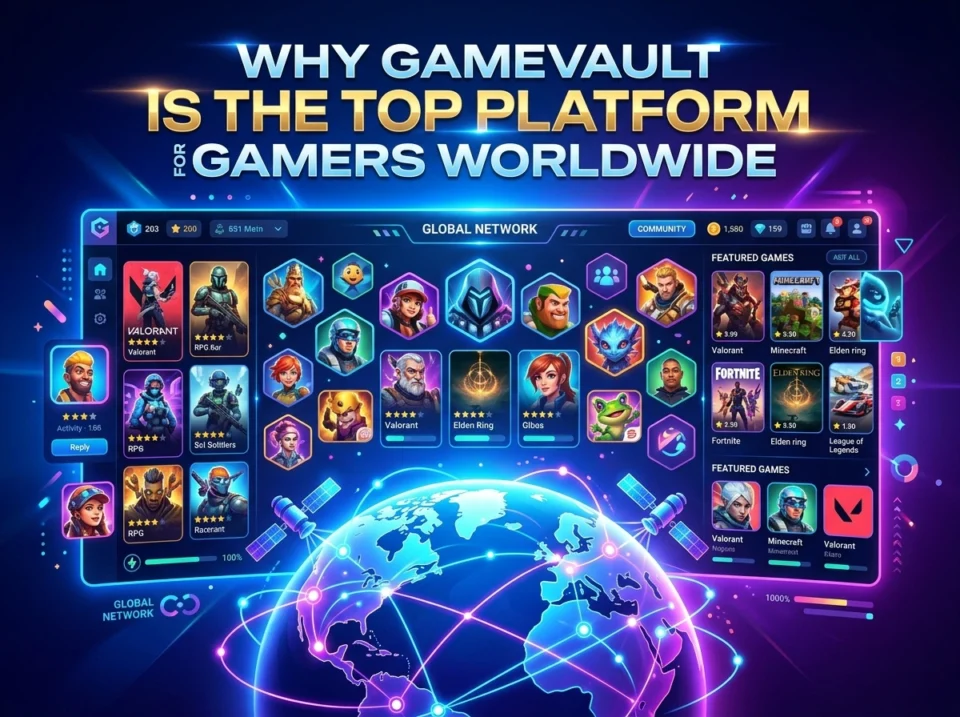
The Gamevault gaming platform is a robust, self-hostable solution that allows players to organize, track, and play DRM-free video games. Gamers choose the Gamevault gaming platform for its secure infrastructure, automatic metadata enrichment, offline playtime tracking, and extensive community features that rival mainstream digital storefronts.
Digital distribution revolutionized how players purchase and store video games. Players moved away from physical discs and cartridges, embracing online storefronts that offered instant downloads. This shift brought incredible convenience to the gaming community. However, this transition also introduced strict Digital Rights Management (DRM) policies, tying purchased software to specific online accounts and requiring constant internet connections.
Gamers began seeking solutions that offered the sleek interface of modern storefronts without the restrictive corporate oversight. Software developers responded by creating decentralized, user-controlled applications. These self-hosted solutions give players full ownership of their files while providing a polished, visually appealing browsing experience.
The Gamevault gaming platform emerged as a leading solution for this exact need. The Gamevault gaming platform allows users to build their own private gaming servers, store DRM-free files securely, and access them from dedicated client applications. This comprehensive guide explores the specific features, community tools, and security protocols that make the Gamevault gaming platform a fundamental tool for modern gamers.
What exactly is the Gamevault gaming platform?
The Gamevault gaming platform is a self-hostable, source-available gaming application designed specifically for DRM-free video games. According to [GameVault Documentation, 2024], the platform provides a Steam-like browsing and playing experience, allowing users and their communities to enjoy game files stored directly on their personal file servers.
The Gamevault gaming platform operates using two primary components. First, users deploy a self-hosted backend server managed through Docker. Second, players install a dedicated client application on their local computers to access the server. Users simply drop their legally obtained game installers or binaries into a designated folder. The Gamevault gaming platform server automatically detects these files, enriches them with cover art and descriptions, and presents them in a highly organized, user-friendly interface.
Mobile users also interact with a branch of the Gamevault gaming platform ecosystem. According to [Game Vault Official Website, 2024], the mobile variant is trusted by 18 million players globally, offering secure mobile casino and slot games on iOS and Android devices. For the core PC gaming audience, however, the self-hosted DRM-free application remains the primary draw.
How does the Gamevault gaming platform offer an unmatched game library?
Players accumulate massive collections of independent titles, retro classics, and modern DRM-free releases over the years. Managing these massive libraries traditionally required digging through disorganized computer folders or using clunky third-party launchers. The Gamevault gaming platform solves this massive organizational hurdle.
What makes Gamevault’s automatic game indexing so effective?
The Gamevault gaming platform features an automatic game indexing system that scans your connected file system. When you add a new game file to your designated server folder, the Gamevault gaming platform utilizes intelligent game type detection to figure out exactly what kind of software you added. The platform then connects to various online video game databases. According to [GameVault Documentation, 2024], this automatic metadata enrichment process instantly pulls in official box art, release dates, developer information, and gameplay summaries.
How does the built-in media player improve the browsing experience?
Browsing a plain list of text names feels outdated. The Gamevault gaming platform client features a built-in media player that elevates the library interface. When users click on a specific title, the client automatically streams official game trailers and gameplay videos directly within the app. This feature transforms a simple file server into a premium digital storefront experience. Users can fully customize this interface using the platform’s advanced theme system, tailoring the colors and layout to match their personal preferences.
What community and social features make Gamevault stand out?
Gaming is inherently social. Even players who prefer single-player campaigns enjoy discussing their progress, sharing statistics, and comparing achievements with friends. The Gamevault gaming platform integrates powerful community features directly into its client interface.
How does the platform handle multi-user authentication?
A single Gamevault gaming platform server can host an entire community of friends and family members. The server features a robust multi-user authentication system. Server administrators can create individual accounts for each community member. This setup allows multiple users to connect to the same central game repository simultaneously. Administrators maintain full control over the environment using role-based access control. According to [GameVault Documentation, 2024], administrators can easily manage user permissions, approve new accounts, and monitor server health through a dedicated Admin UI.
How do players track and compare their game progress?
The Gamevault gaming platform client includes a highly accurate playtime tracking system. When a user launches a game through the client, the application silently monitors the active session. This system meticulously records total hours played and overall game progress. Crucially, this tracking system works completely offline. If a player loses their internet connection, the client stores the playtime data locally and syncs it with the server once the connection is restored.
Players can visit the community tab within the client to compare their statistics. The platform displays leaderboards and playtime comparisons, allowing friends to see who has dedicated the most hours to specific role-playing games or strategy titles.
How does Gamevault ensure global accessibility and localization?
A modern gaming platform must operate flawlessly regardless of where the user is located or what hardware they utilize. The Gamevault gaming platform prioritizes seamless accessibility across varying network conditions and geographic regions.
What role do WebSockets play in real-time updates?
The Gamevault gaming platform relies on WebSocket support to deliver real-time updates to all connected clients. When a server administrator adds a new game to the library, the WebSocket protocol instantly notifies all active users. The new game appears in their client library without requiring a manual page refresh. This real-time synchronization ensures that remote users scattered across the globe always have access to the most up-to-date version of the shared game repository.
How does the platform handle automatic game extraction and installation?
Downloading large files from a remote server can be cumbersome. The Gamevault gaming platform streamlines this process through automatic game extraction and installation. When a user clicks the download button, the client securely transfers the files from the host server. The client then automatically unpacks compressed archives and executes the necessary installation protocols. The user simply waits for the process to finish and clicks “Play.” This frictionless experience makes the Gamevault gaming platform highly accessible to users who may lack advanced technical knowledge regarding file extraction.
What security and fair play protocols protect Gamevault users?
Security remains a primary concern for any self-hosted software or mobile gaming application. Exposing a personal server to the internet carries inherent risks. The developers behind the Gamevault gaming platform implemented strict security measures to protect user data and ensure safe network environments.
How does OAuth2 authentication protect user accounts?
The Gamevault gaming platform supports OAuth2 authentication protocols. According to [GameVault Documentation, 2024], this allows server administrators to set up Single Sign-On (SSO) solutions. Users can securely log into the platform using existing trusted credentials, significantly reducing the risk of password theft or unauthorized account access. This enterprise-grade security feature sets the Gamevault gaming platform apart from simpler, less secure file-sharing methods.
What parental control features are available for families?
Many server administrators host games for their children or younger siblings. The Gamevault gaming platform includes comprehensive parental control features. Administrators can restrict specific accounts from accessing mature titles based on age ratings or custom tags. This ensures that younger users only see age-appropriate content when browsing the shared library. Furthermore, the platform offers database backup and restoration tools. If a server experiences a hardware failure or a malicious intrusion, administrators can quickly restore the entire database configuration, minimizing downtime and data loss.
For the mobile ecosystem, the Gamevault gaming platform maintains equally strict security protocols. According to [Game Vault Official Website, 2024], the mobile platform utilizes SSL secure connections and processes all transactions through a verified agent-only system. This protected credit flow ensures that mobile players experience fair play and secure reward withdrawals 24/7.
Why is Gamevault considered the future of global gaming?
Players demand more control over their digital purchases and greater flexibility in how they organize their libraries. The Gamevault gaming platform delivers a perfect hybrid of professional-grade software aesthetics and decentralized, user-managed file storage. By combining automatic metadata enrichment, offline playtime tracking, robust security protocols, and expansive community tools, the platform elevates the standard for DRM-free gaming.
Organizations and individuals looking to reclaim ownership of their digital media should evaluate self-hosted solutions. To experience these features firsthand, visit the official documentation to review the Docker setup guide, or log into the public demo server to test the client interface. Taking control of your digital library ensures your games remain playable and perfectly organized for decades to come.
Frequently Asked Questions (FAQ) about the Gamevault gaming platform
How much does the Gamevault gaming platform cost to use?
The core Gamevault gaming platform is entirely free to download and self-host. Users can optionally purchase a GameVault+ premium subscription to unlock advanced server features and support the development team.
What type of games can I add to the Gamevault gaming platform?
The platform specifically supports DRM-free video games. This includes game installers, executables, and binaries that do not require third-party digital rights management software to launch or play.
How do players install the Gamevault gaming platform server?
Administrators install the Gamevault gaming platform backend server using Docker. Users must configure the Docker container on a compatible host machine, connect it to their game storage directory, and expose the necessary network ports for remote client access.
Are there mobile apps available for the Gamevault gaming platform?
Yes. The Gamevault gaming platform ecosystem includes mobile applications available on iOS and Android. These specific mobile apps focus on providing secure, verified casino and slot gaming experiences with real-time customer support.
Please visit website for more info.
